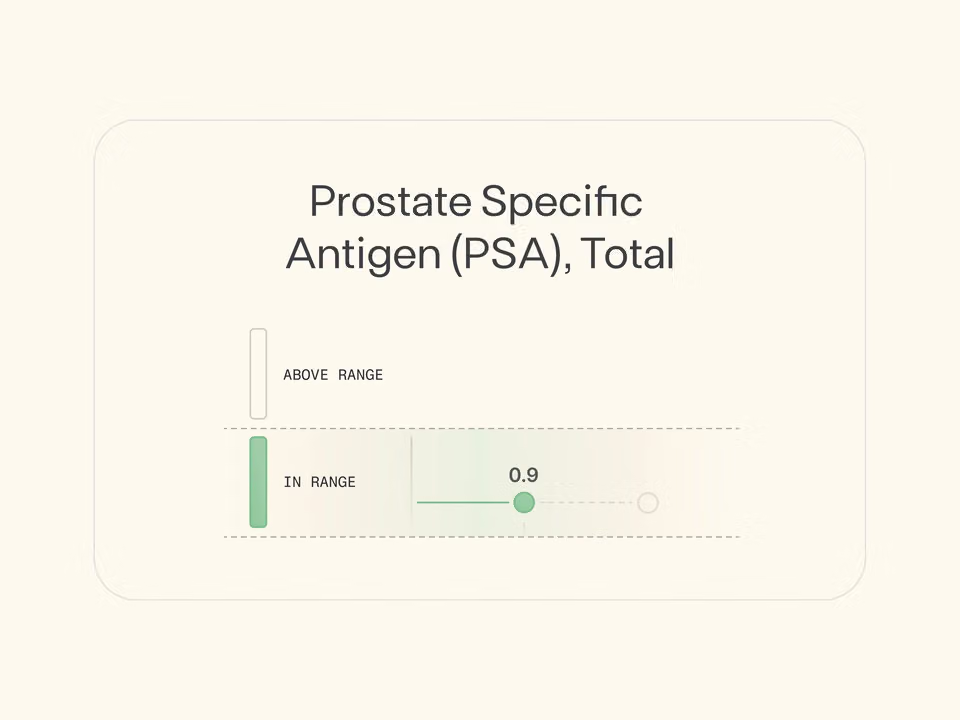

Watch Dr. Mark Hyman and Function Co-Founder Pranitha Patil’s conversation about making smarter health decisions with the help of AI—and keeping your data secure in the process.
Millions of people are already using AI tools to have conversations about their health. Asking about symptoms. Building meal plans. Trying to figure out why they're exhausted all the time.
Those conversations are a great start. But they rely on general population data for answers, rather than what’s really happening in your body.
We’re changing that. You can now securely connect your lab results and clinician-reviewed notes to ChatGPT, Claude, and Perplexity—for more informed and relevant responses.
AI chat, grounded in your biology
Find Function in any of our partner platforms, authorize access, and start having smarter conversations.
Here’s what that might look like:
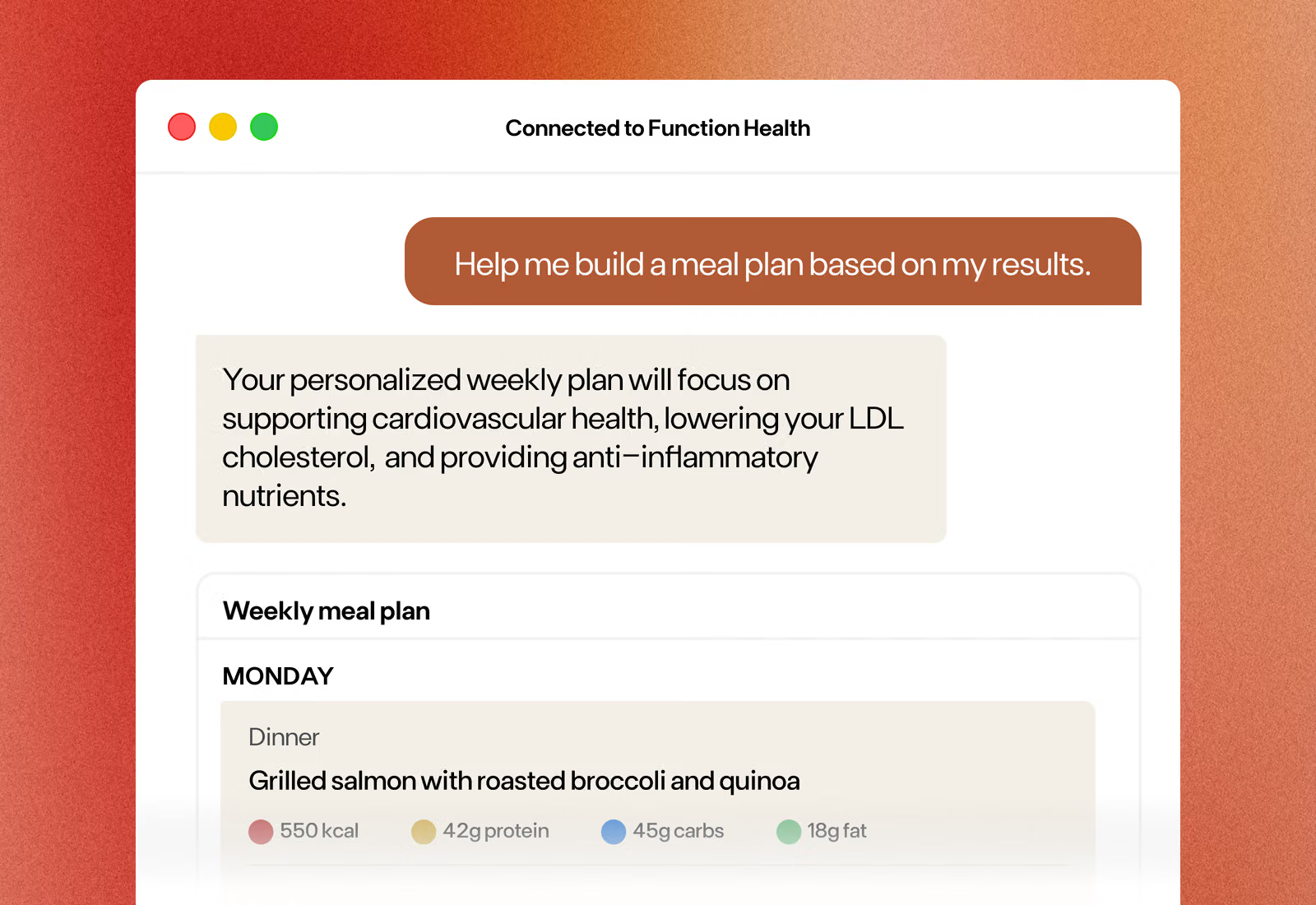
“Help me build a meal plan.”
AI tools can create meal plans based on general nutrition guidelines. But those plans don’t account for what your body needs right now.
High LDL cholesterol? Elevated blood glucose? Those details make a difference.
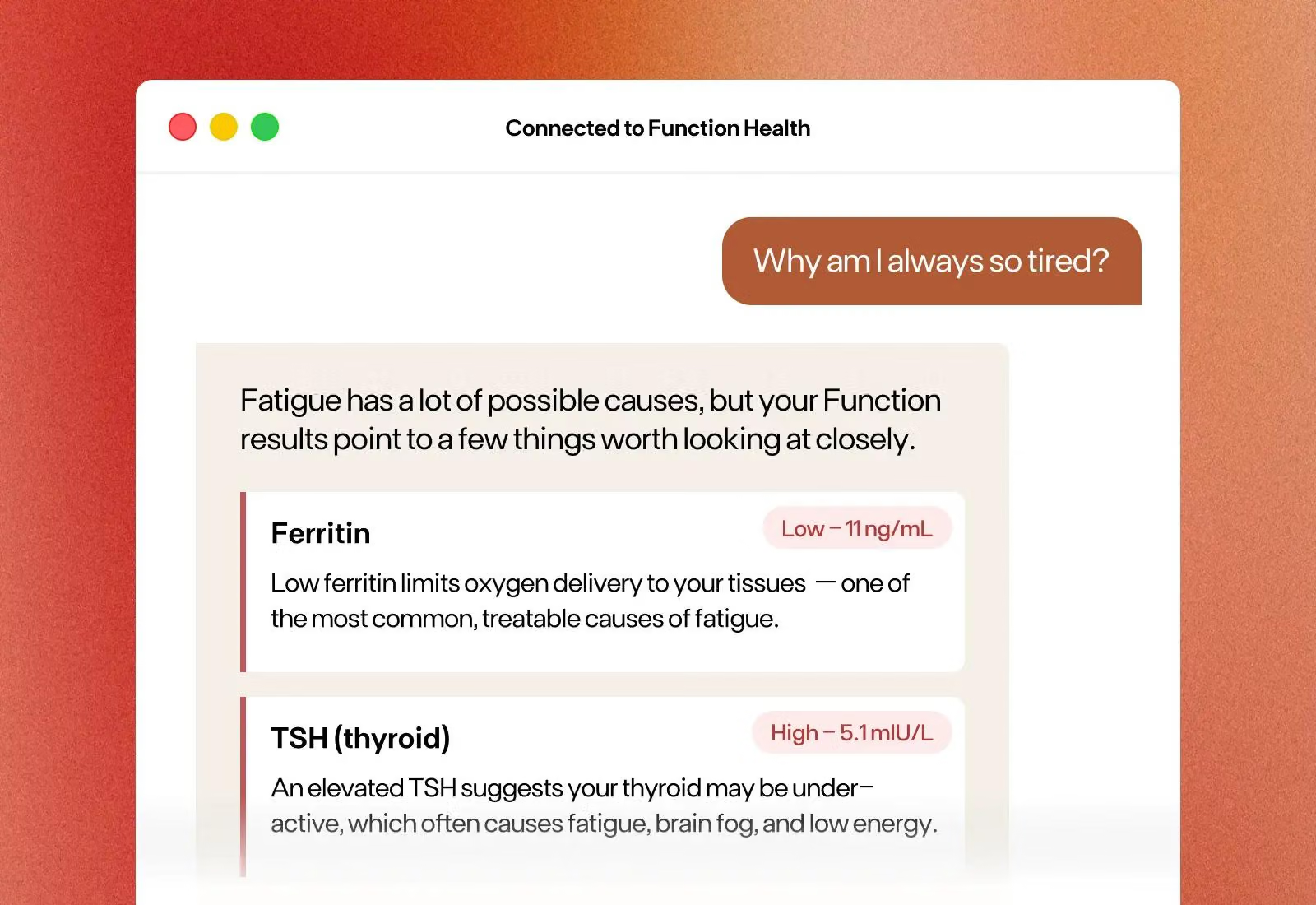
“Why am I always so tired?”
Symptoms like fatigue can be tough to pin down, and online research can lead to a laundry list of potential causes.
With your lab results in the conversation, underlying issues like low ferritin, suboptimal thyroid function, or vitamin D deficiency can help you get to the root of it and take action.
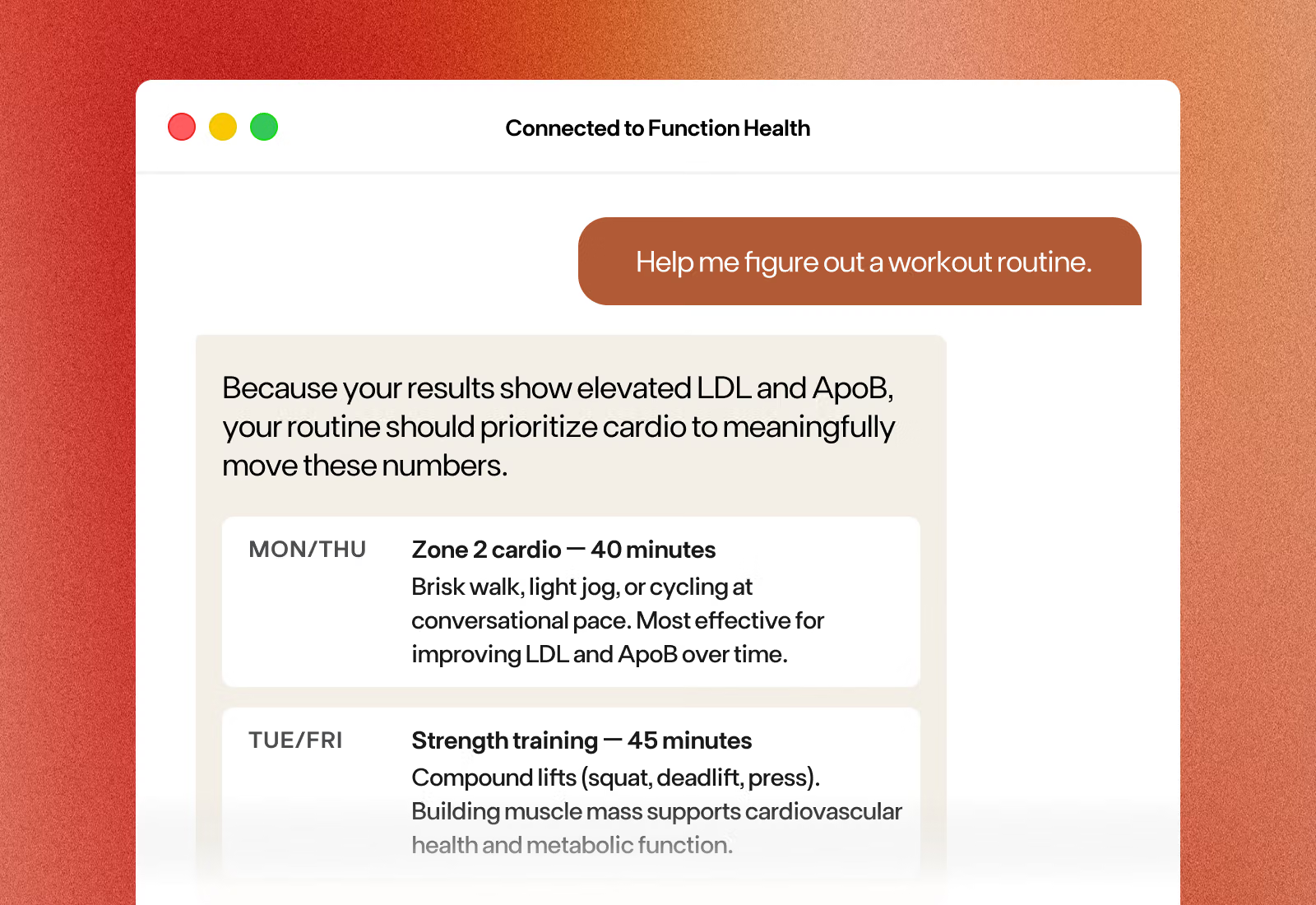
“Help me figure out a workout routine.”
A good workout plan starts with your goals—but your biology can shape it further.
If your results show elevated LDL or ApoB, that's useful context for a routine that addresses what needs attention.
Get started
ChatGPT Health
- From your ChatGPT app, select Health in the menu bar. Once connected, choose Connections and select "Function."
- Sign in with your Function credentials.
- Start asking questions about your results.
Claude
- From Claude's desktop web app (paid US plan required), go to Customize → Connectors → Browse Connectors and search "Function."
- Enter your Function login to connect.
- Start a conversation using your lab results as context.
Perplexity
- Head to perplexity.ai/health and select "Connect wearables and devices."
- Choose Function Health and log in with your credentials.
- Ask Perplexity health questions informed by your results.
Is my data secure when I connect Function to an AI tool?
Yes. Function only integrates with vetted AI partners that follow the strongest emerging standards for handling sensitive health data, including encryption and clear user control. All partners provide ways to control, delete, or disconnect your data.
What information will these AI tools have access to?
With your authorization, Function shares your lab test results and Clinician Notes on your most recent set of results. This gives the AI more context to support more informed, personalized health conversations. However, these connected tools won’t have access to your uploaded documents, data from wearable devices, or health history responses.
Is my health data used to train AI models?
The answer varies by partner, though most AI tools allow users to opt out of having their data used to train models altogether. Check with the tool you use for details.
Is this different from Function's Private AI Chat?
Yes. Function's Private AI Chat lives inside Function and draws on your full lab test results, health history, Clinician Notes, connected wearables, and Function’s research insights. These integrations bring your lab results and Clinician Notes into the AI tools you already use—making the conversations you have there more informed.
Does this replace my doctor?
No. These integrations are designed to make health conversations more informed and personalized, not to diagnose, treat, or replace professional medical care.